Enterprise Decision Management SaaS Platform
AI-augmented platform that reduces the mean time to decisions - at the speed of relevance.
 IL 4/5
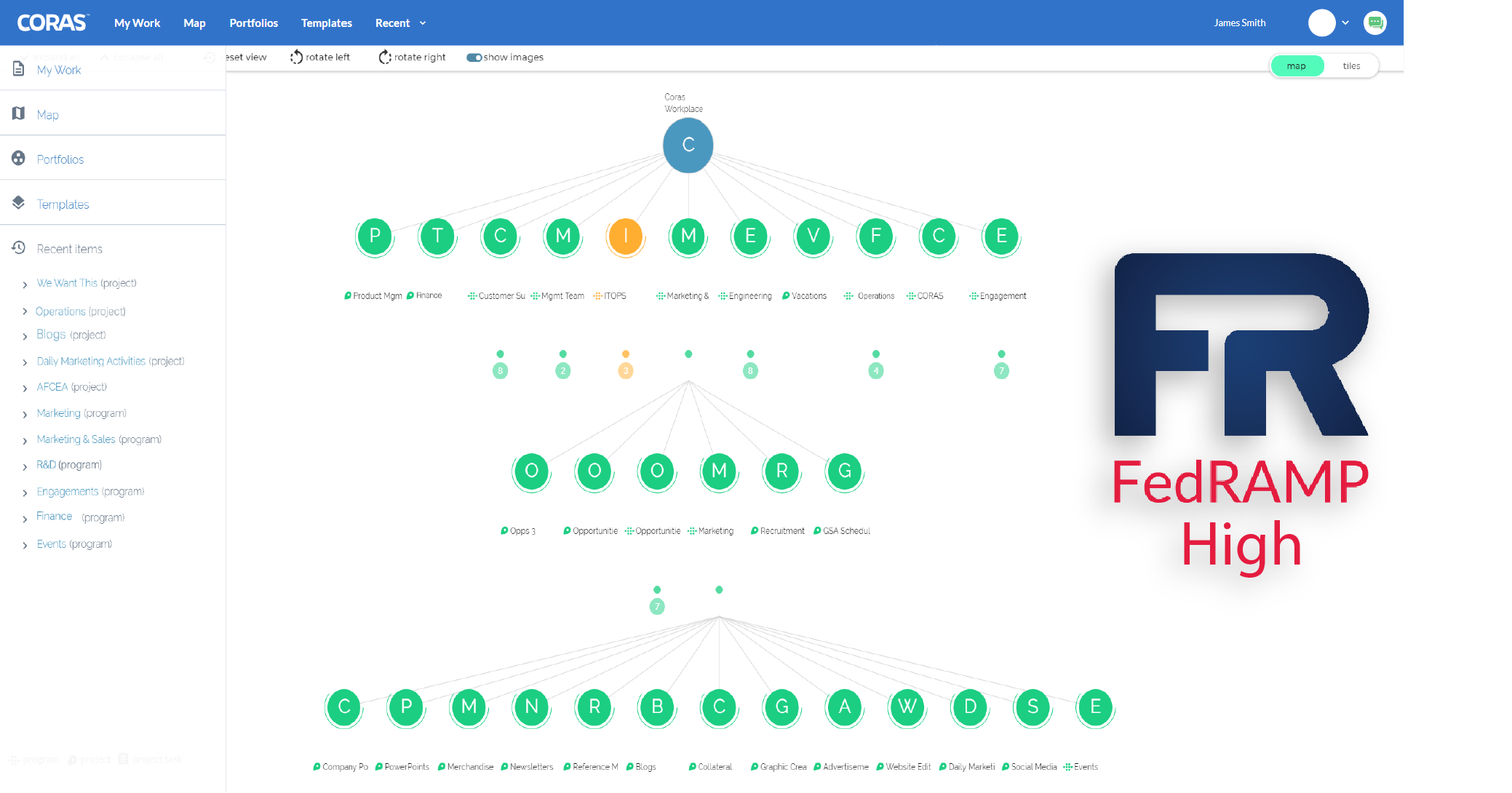
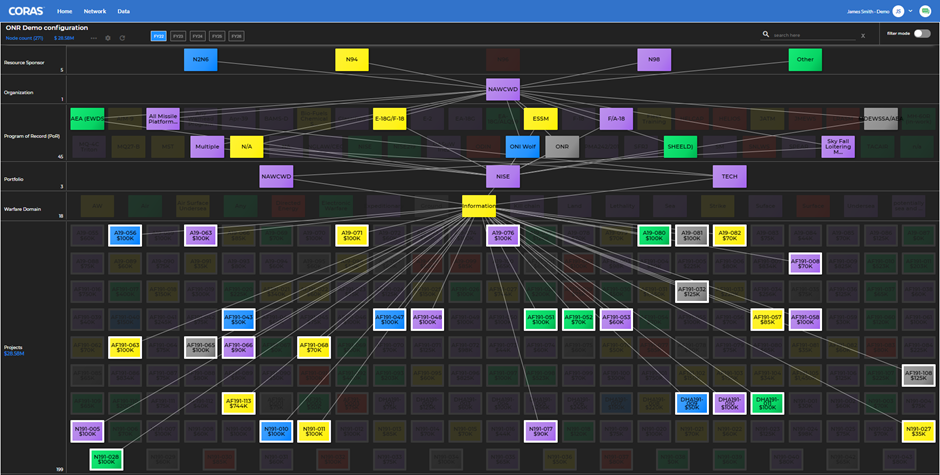
The CORAS Neural Map
CORAS is designed the way humans think. We break complex organizational units into bite-sized components. The CORAS map emulates this in software that makes it easy to map to your mission.
Learn from New Data
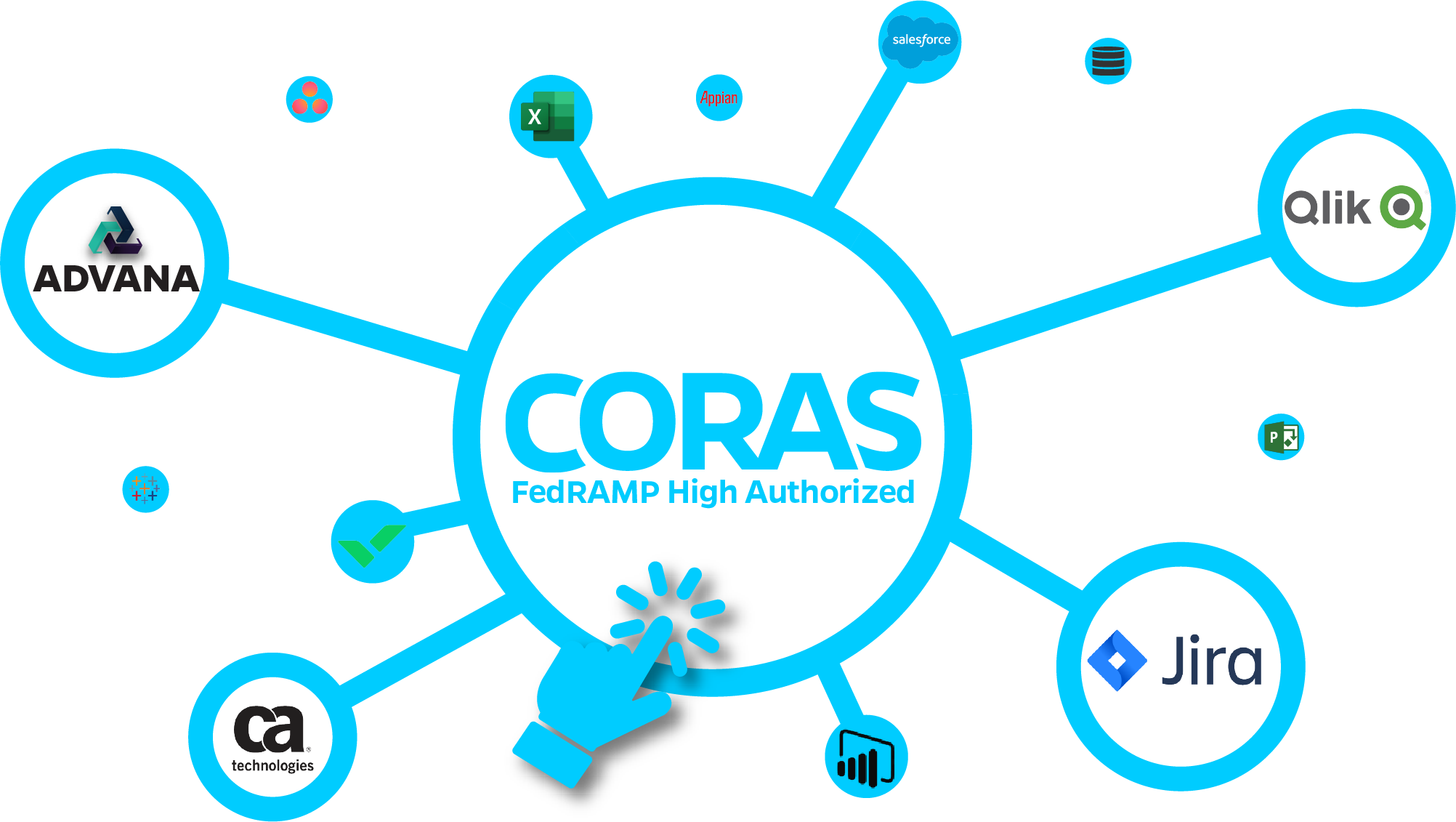
The CORAS platform is designed to integrate with existing data regardless of where it sits today, allowing it to learn from new data sources. Not only are we connecting to new data, but we're also able to understand how it relates to everything already within our solution.
Build Your Organization's Memory
Every time employees leave the organization or shift roles a piece of “learned knowledge” memory dies. This means that the organization is constantly relearning the same things, or perhaps even the same mistakes, rather than using your current knowledge to speed into the future.





Take the first step in making better decisions!
Can't make decisions fast enough? We understand. This is why we do what we do, and can get you what you need to know before you need to know it! Reach out to learn more.
